EPUB, Markdown, and plain text
Reflowable EPUB 2 and EPUB 3 books share the reader with UTF-8 text and bounded Markdown rendering for headings, emphasis, lists, quotes, rules, and fenced or indented code.
- EPUB 2 + EPUB 3
- Markdown
- Plain text
 ferris-reader
Install X3 / X4
ferris-reader
Install X3 / X4
Open-source firmware · Xteink X3 + X4
Tables stay structured. Formulas stay legible. Books open before they finish decoding.
01 / TRY BEFORE FLASHING
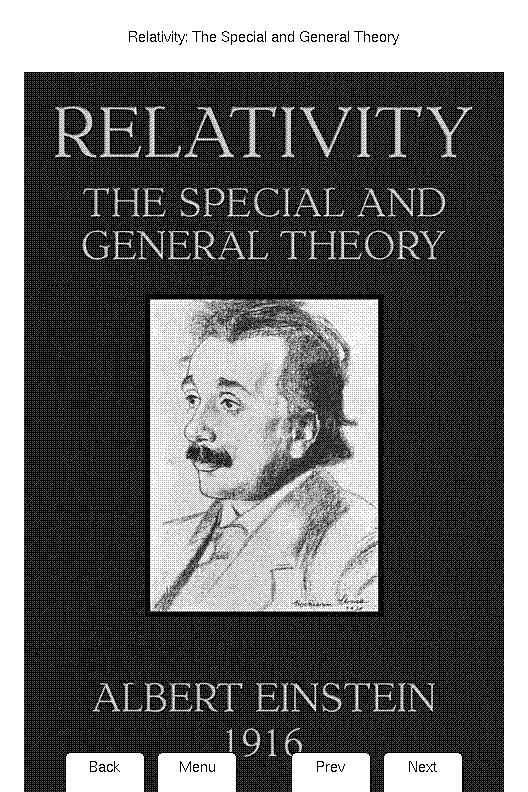
The emulator runs the same deterministic application state machine as the firmware, compiled to WebAssembly and running entirely in your browser. Browse a library of public-domain technical books, open one, and work the controls without touching your X3 or X4.
Your file stays in this browser tab. Nothing is uploaded.
02 / THE READING ENGINE
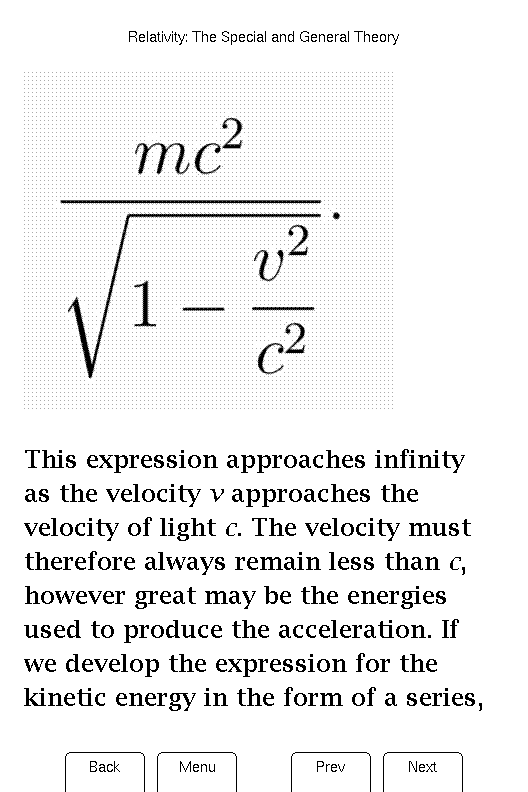
Ferris Reader treats technical material as first-class content—not an edge case.
 528 px
792 px
528 px
792 px
03 / READER CAPABILITIES
Concrete support for structure, code, tables, figures, navigation, large-book resume, and constrained-device reliability.
Reflowable EPUB 2 and EPUB 3 books share the reader with UTF-8 text and bounded Markdown rendering for headings, emphasis, lists, quotes, rules, and fenced or indented code.
Ferris follows the EPUB container, OPF manifest, and spine; validates present mimetype markers, omits non-linear reading-order items, and follows bounded fallbacks to readable documents or supported images.
Heading hierarchy, paragraphs and line breaks, horizontal rules, nested numbered and bulleted lists, indented nested blockquotes, and fresh-page chapter starts.
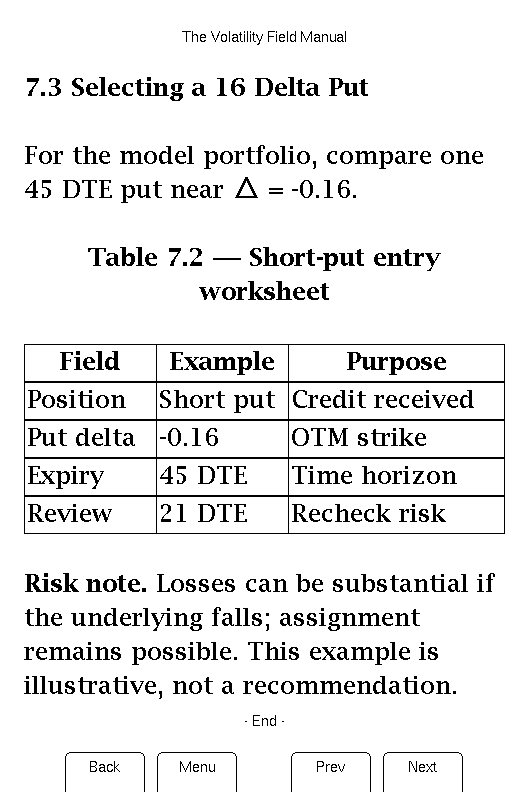
Centered bordered grids with captions, bold headers, colspan, wrapped cells, multi-page rows, and a stacked fallback for wide tables. Nested tables keep their text.
Preformatted blocks preserve indentation and line breaks, wrap safely, and use a built-in monospace face. Inline code stays distinct inside prose.
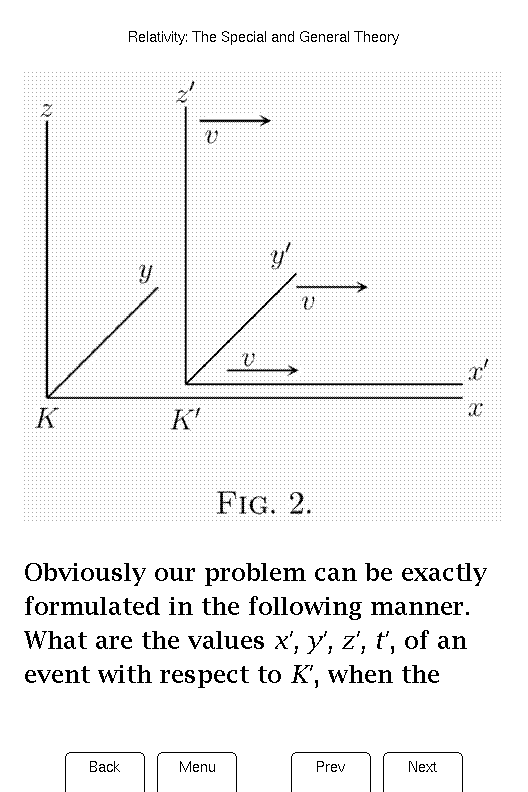
Image-based equations and diagrams render in four tones from sequential or progressive JPEG, PNG including Adam7, first-frame GIF, and base64 data images, with bounded alt-text fallback.
UTF-8 text, Latin accents, General Punctuation, Greek, character entities, and true bold, italic, and bold-italic from semantic markup or CSS emphasis.
EPUB 3 navigation documents and EPUB 2 NCX with nested drill-down, breadcrumbs, page jumps, current-chapter feedback, and TOC entries that land on exact EPUB fragments.
Content-based positions remain meaningful when font size moves page boundaries. Per-book progress, page-history Back, whole-book page mapping, and exact page resume use the same model.
The saved section becomes readable first. Nearby pages and the remaining book decode afterward in bounded background slices; completed caches reopen immediately.
ZIP, XHTML, CSS, tables, and images stream through fixed-size work. Long chapters, giant cells, large images, malformed content, and allocation failures take bounded or fallible paths.
An ever-growing suite covers parsers, codecs, pagination, memory pressure, deterministic emulator flows, and rendered-pixel snapshots. X3 and X4 hardware checks, TTFR benchmarks, and profiling verify the same application core on actual devices.
04 / MEASURED ON THE GLASS
Same X3. Same SD card. Same technical EPUB. User-visible timings over repeated runs.
Bars are layout placeholders—not performance claims. Final results will publish firmware versions, cache state, median, and range.
04 / ASYNC DECODE PIPELINE
Work is split into bounded slices. The foreground stays responsive while Ferris builds a reusable SD-card cache behind it.
FOREGROUND ALWAYS GOES FIRSTYOU KEEP READING WHILE THE LOOP ADVANCES. Input pauses the current slice, gets the foreground, then background decoding resumes where it stopped.
Both Xteink X3 and X4 are fully supported. One firmware image detects the attached hardware at boot.
Wireless library syncing through a companion Calibre plugin is under development.
06 / WEB FLASHER
Connect an unlocked Xteink X3 or X4 over USB-C. The installer verifies compatibility before it writes anything.